
Mahila
Look Studio
Try the outfit, the makeup that suits your skin and that outfit, and the jewelry — together, before you buy.
- AI Clothes VTO
- Facial Color Tones
- Color Harmony Engine
- Makeup VTO
- Earrings VTO
- Necklace VTO
Five YouCam APIs chained, with our own colour-matching step in the middle.
1. Your photo
or pick a model
Full-length photo, facing the camera, face uncovered, good light, plain background.
2. Choose an outfit
Full-length piece — tried on head to toe.
3. Where are you going?
The occasion sets how bold the makeup is and how big the jewelry gets.
4. Jewelry
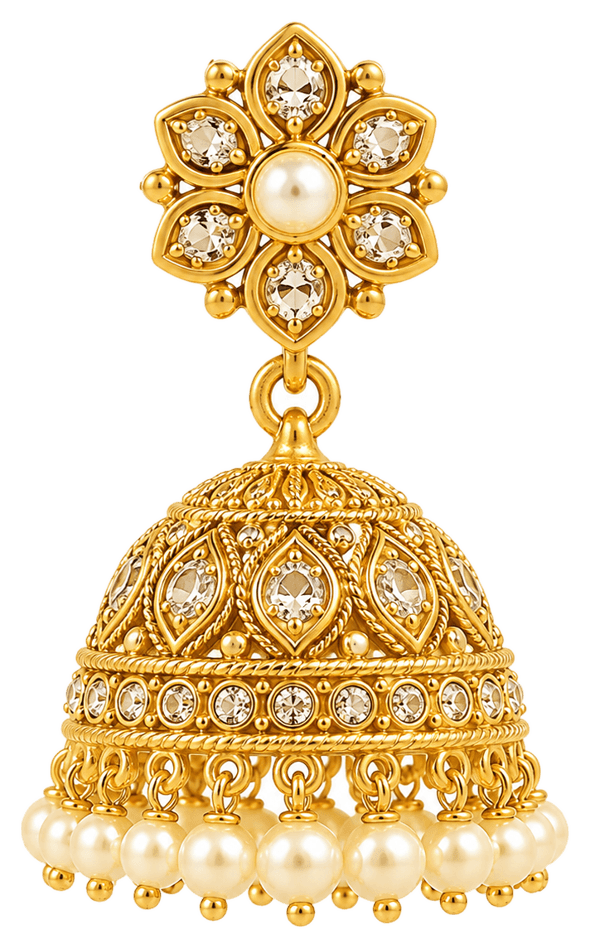
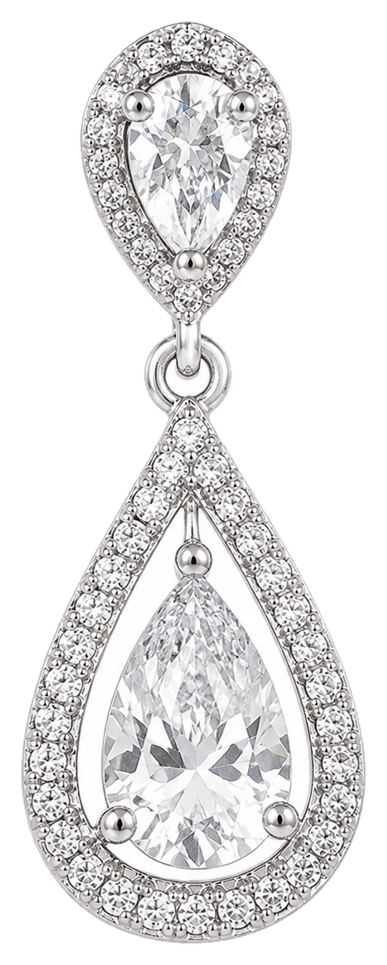
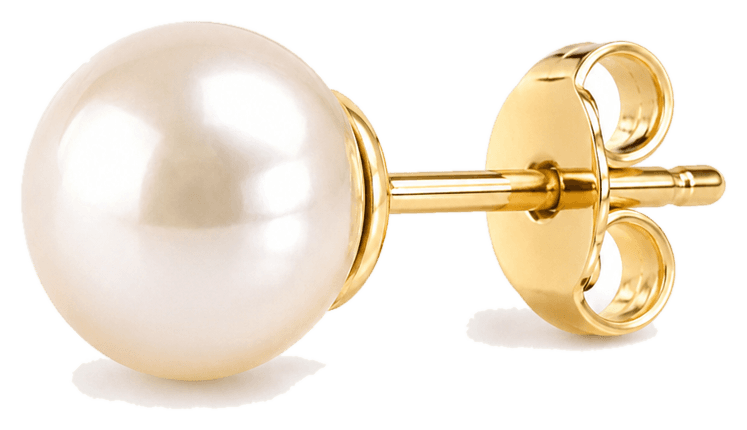
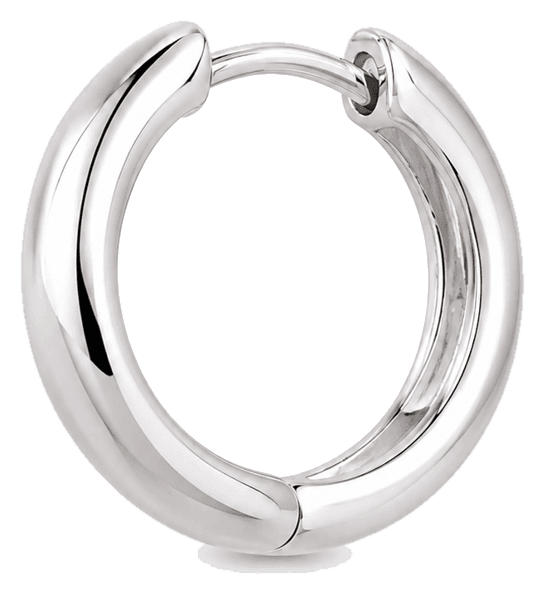
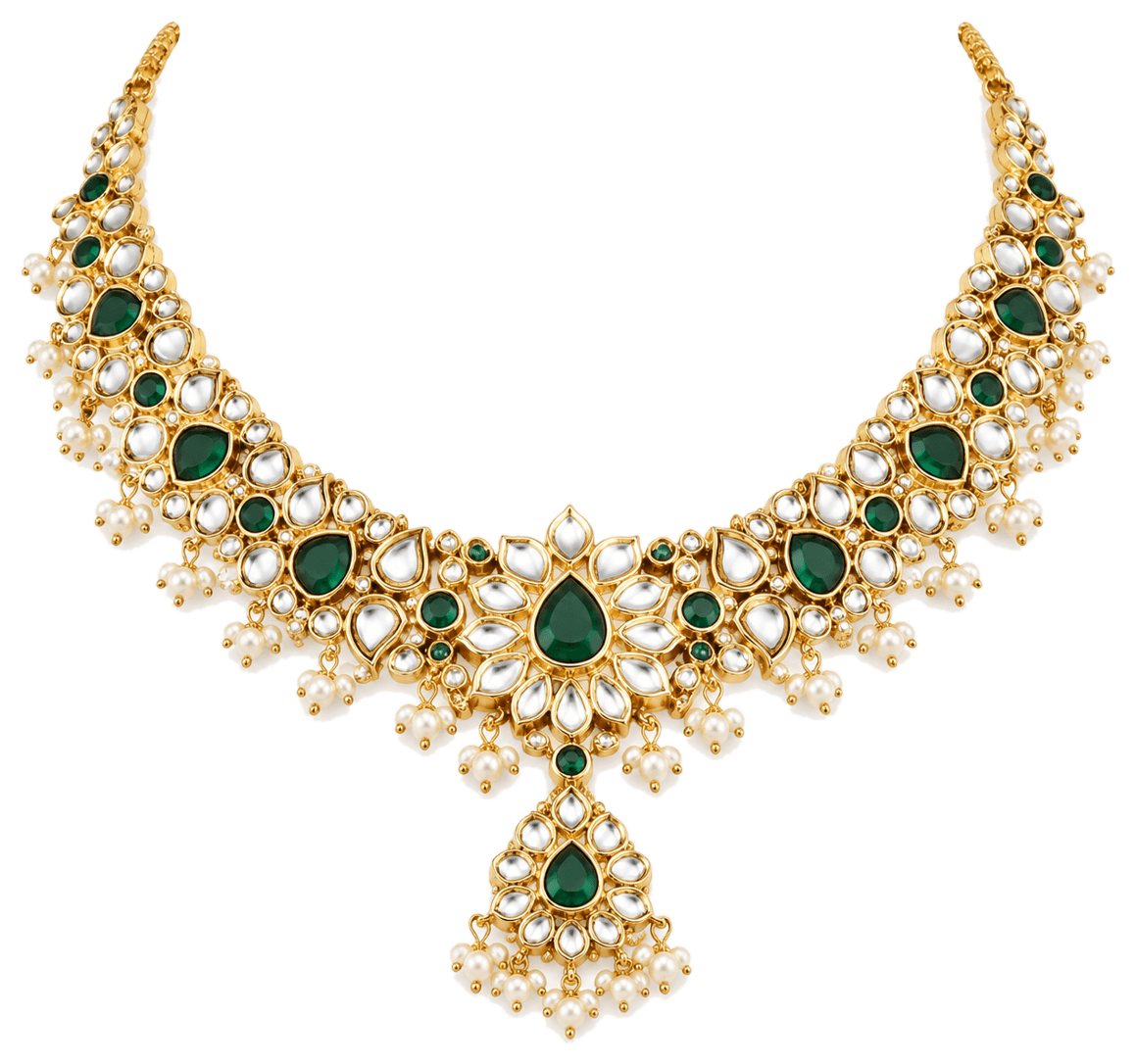
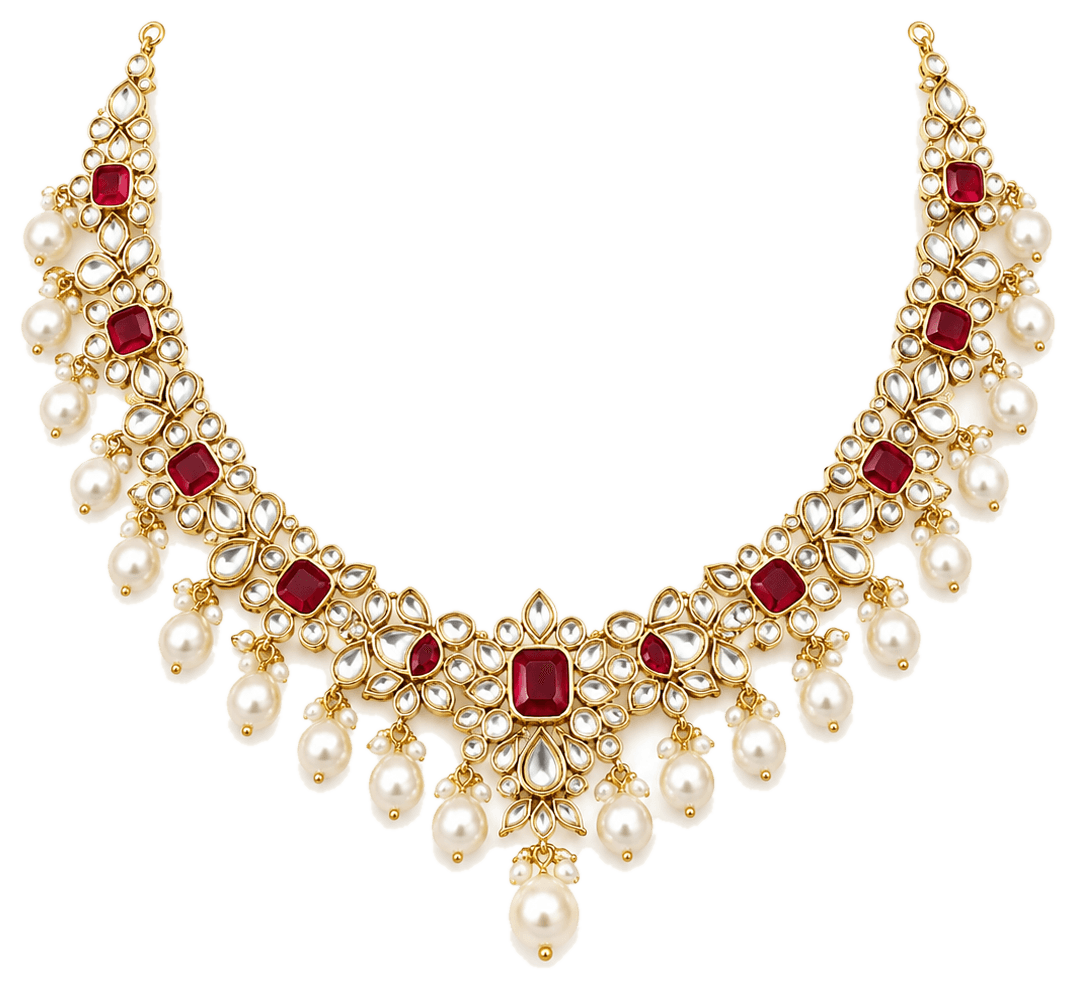
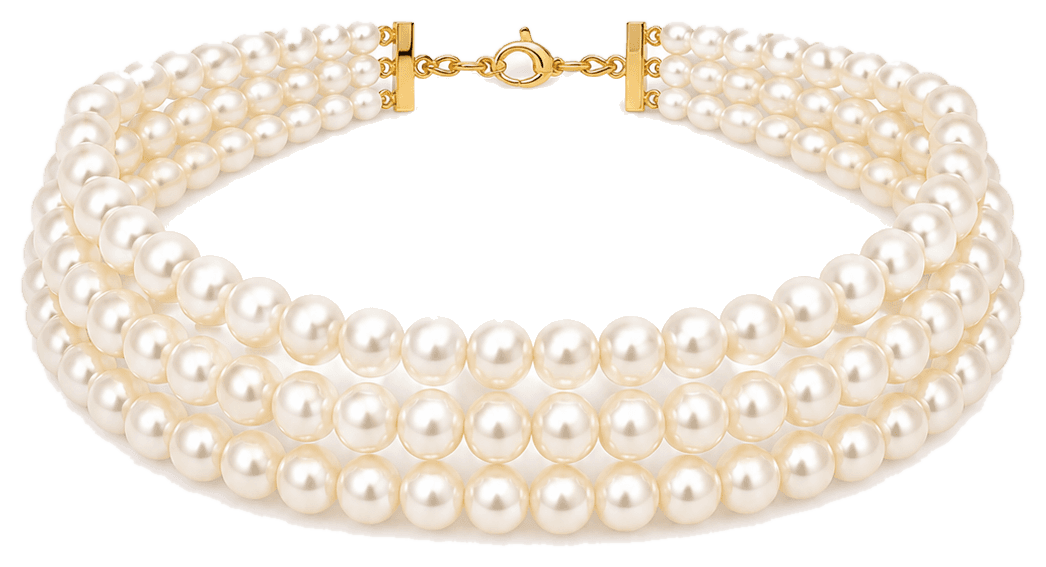
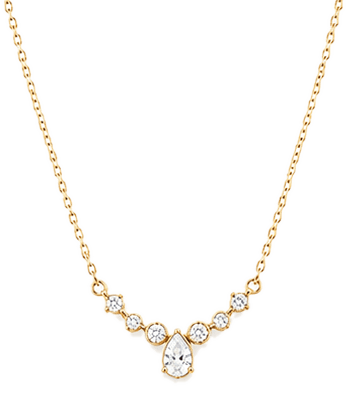
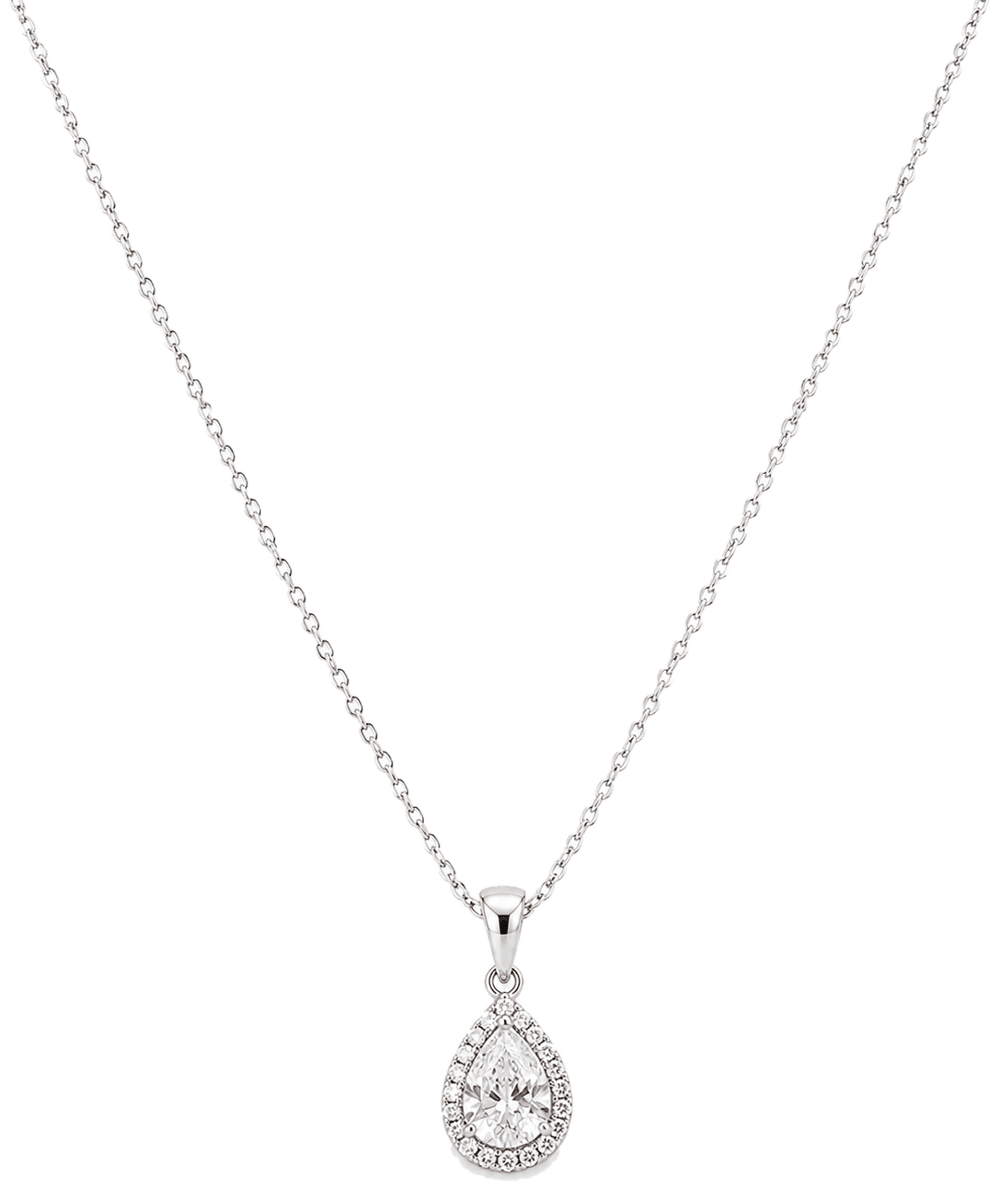
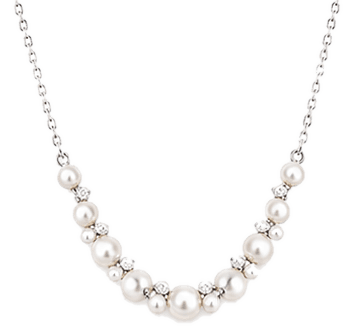
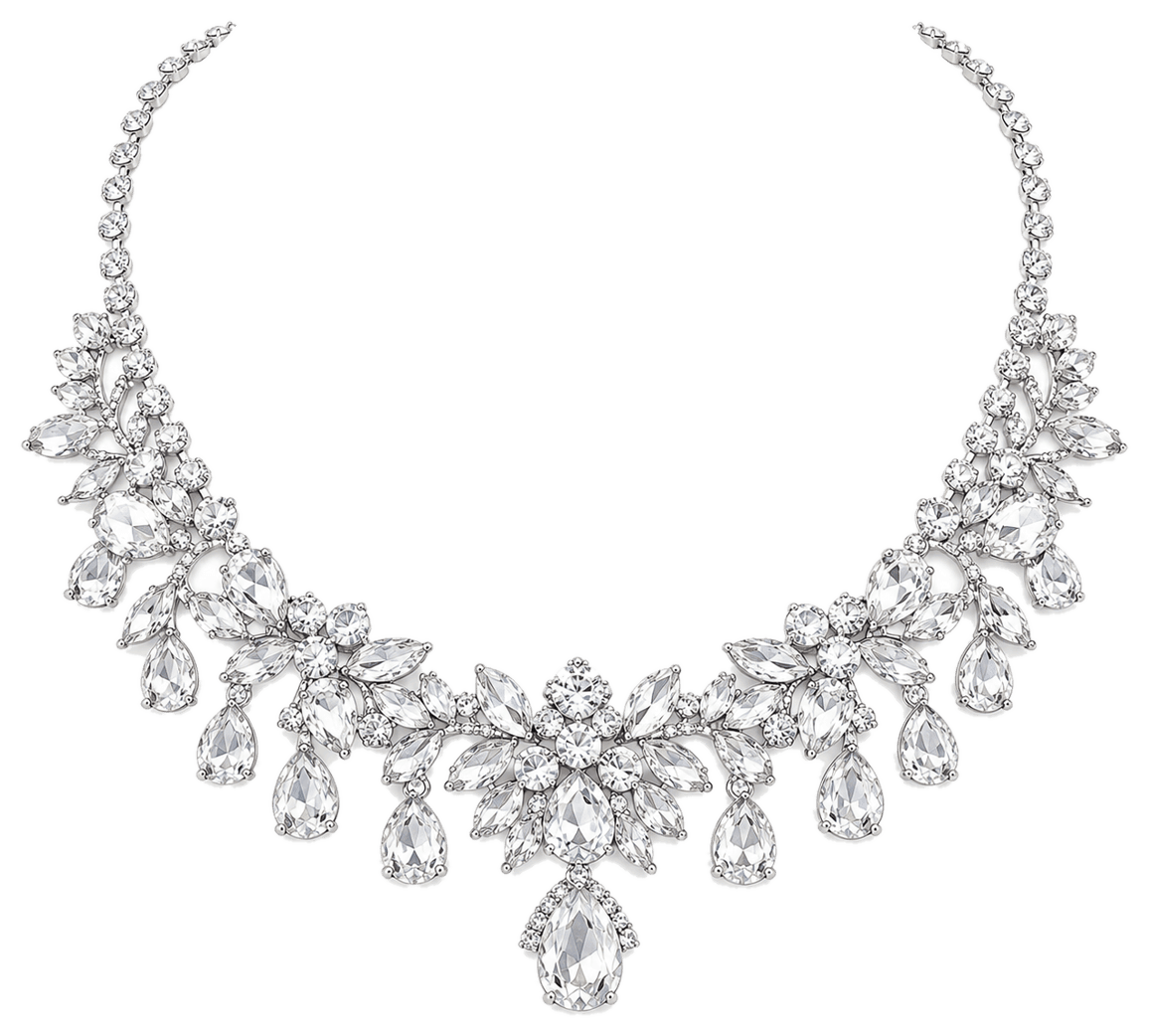
Auto-match picks gold or silver for your undertone. Hover to see a piece up close.
—
—
—